CGS SDK
The development kit for integrating Cafeyn content — articles, magazines and issues — into any web product: authentication, content catalog, ready-to-use components and embeddable reading engines.
Overview
CGS (Content & General Services) is organized into six packages in the web-cgs monorepo, each with a specific responsibility.
The SDK can be used at two levels:
- The core (
core) — a singleCGSclass that handles authentication and exposes the content API (articles, issues, publications, media, videos). It is used by all the other packages and can also be consumed directly. - The component libraries (
react,vue,vanilla) — the same catalog of 12 components (sections, cells, headers, readers) implemented in all three ecosystems with the same props API.
Two specialized reading engines, articlereader and pdfreader, are packaged independently (Svelte, compiled into standalone scripts) and embedded by the ArticleReader / PDFReader components — or usable directly, without a framework.
Getting started
Four steps to display your first component. Each code block below has one tab per framework.
1. Installation
In an existing React or Vue project, add the CGS component library, the core, and the two reading engines (required as peer dependencies as soon as you use ArticleReader or PDFReader) — the framework itself is already in your dependencies.
pnpm add @cafeyn/web-cgs-react @cafeyn/web-cgs-core \
         @cafeyn/web-cgs-articlereader @cafeyn/web-cgs-pdfreader
pnpm add @cafeyn/web-cgs-vue @cafeyn/web-cgs-core \
         @cafeyn/web-cgs-articlereader @cafeyn/web-cgs-pdfreader
<!-- no npm install: the vanilla library is distributed as ready-to-use scripts -->
<link rel="stylesheet" href="/cgs/core/index.css">
<script src="/cgs/core/index.iife.js"></script>  <!-- exposes window.CGS -->

<link rel="stylesheet" href="/cgs/components/index.css">
<script src="/cgs/components/index.js"></script>  <!-- exposes window.CGSComponents -->
The core, articlereader, pdfreader, react and vue packages are published on npmjs.org under the @cafeyn scope — no registry configuration or token is needed. They are public for distribution only: their use is governed by a proprietary license and requires a written agreement with Cafeyn.
Download the vanilla build
Download the files below and host them on your site (for example under /cgs/, as in the example above). These links always point to the latest published version.
| File | Contents |
|---|---|
| core/index.iife.js | Core SDK, exposes window.CGS |
| core/index.css | Core styles |
| components/index.js | Components, exposes window.CGSComponents |
| components/index.css | Component styles |
To pin a version, replace latest with the desired version number in the URL, for example https://cafeynfr.github.io/Cafeyn.Group.Solutions-Documentations/downloads/vanilla/v1.2.2/core/index.iife.js.
2. Initialization
Create a CGS instance with your license key. At this stage, no user is involved — the key only identifies your application to the Cafeyn API.
import { CGSProvider } from "@cafeyn/web-cgs-react";
import "@cafeyn/web-cgs-react/dist/index.css";
import ReactDOM from "react-dom/client";
import App from "./App";

ReactDOM.createRoot(document.getElementById("root")!).render(
  <CGSProvider licenseKey="YOUR_LICENSE_KEY">
    <App />
  </CGSProvider>,
);
import { createCgs } from "@cafeyn/web-cgs-vue";
import "@cafeyn/web-cgs-vue/dist/index.css";
import { createApp } from "vue";
import App from "./App.vue";

const app = createApp(App);

app.use(createCgs({ licenseKey: "YOUR_LICENSE_KEY" }));
app.mount("#app");
<script>
  document.addEventListener("DOMContentLoaded", () => {
    window.cgsComponents = new CGSComponents("YOUR_LICENSE_KEY");
  });
</script>
env is optional in all three frameworks and defaults to "production": the second argument of new CGSComponents(licenseKey, env?), the env prop of <CGSProvider> (React) and the env option of createCgs() (Vue). Only set it to target another environment ("development", "staging" or "preprod").
All three entry points also accept an optional config object to customize the SDK's behavior — see Configuration.
3. Authentication
CGS does not handle user sign-in itself: your application authenticates the user (credentials, SSO…) against your own backend, then passes the resulting token to CGS to open a session.
-
Your backend authenticates the user
Form, SSO, etc. — handled entirely by your application. You get back an external token.
-
The token is passed to CGS
CGS.auth.validate(externalToken)exchanges this token for a CGS session (access & refresh tokens, persisted in cookies). -
The result is read as a boolean
The promise resolves to
trueorfalse— it never throws on a failed exchange.falsemeans an invalid or expired token: it is up to your application to react (login screen, retry…).
import { Context } from "@cafeyn/web-cgs-react";
import { useContext, useEffect, useState } from "react";

export default function App() {
  const CGS = useContext(Context);
  const [authFailed, setAuthFailed] = useState(false);

  useEffect(() => {
    async function authenticate() {
      // externalToken comes from YOUR authentication backend
      const success = await CGS.auth.validate(externalToken);
      if (!success) setAuthFailed(true);
    }
    authenticate();
  }, []);

  if (authFailed) return <LoginScreen />;
  return <main>…</main>;
}
<script setup lang="ts">
import { useCgs } from "@cafeyn/web-cgs-vue";
import { onMounted, ref } from "vue";

const CGS = useCgs();
const authFailed = ref(false);

onMounted(async () => {
  // externalToken comes from YOUR authentication backend
  const success = await CGS.auth.validate(externalToken);
  if (!success) authFailed.value = true;
});
</script>

<template>
  <LoginScreen v-if="authFailed" />
</template>
<script>
  document.addEventListener("DOMContentLoaded", async () => {
    // externalToken comes from YOUR authentication backend
    const success = await cgsComponents.core.auth.validate(externalToken);
    if (!success) {
      window.location.href = "/login";
    }
  });
</script>
Never hard-code a license key or a token in a public repository. The examples above use placeholders — inject these values through your environment configuration or your authentication flow.
4. Your first component
Once the provider is in place, each component makes its own API calls — you only need to pass it an identifier.
import { ArticleCell } from "@cafeyn/web-cgs-react";

<ArticleCell
  articleId="cafeyn-la-croix-238-p2"
  baseUrl="/articles/"
  variant="rich"
/>
<script setup lang="ts">
import { ArticleCell } from "@cafeyn/web-cgs-vue";
</script>

<template>
  <ArticleCell
    article-id="cafeyn-la-croix-238-p2"
    base-url="/articles/"
    variant="rich"
  />
</template>
<div id="latest-article"></div>
<script>
  cgsComponents.articleCell({
    selector: "latest-article",
    articleId: "cafeyn-la-croix-238-p2",
    baseUrl: "/articles/",
    variant: "rich",
  });
</script>
Configuration
An optional config object, of type CGSConfig, customizes the SDK's behavior. It is passed once, when CGS is initialized, and every option has a default value: omit the object entirely to keep the defaults.
Passing the config
The config is the third argument of new CGSComponents(licenseKey, env?, config?) in JavaScript, the config prop of <CGSProvider> in React and the config option of createCgs() in Vue.
<CGSProvider licenseKey="YOUR_LICENSE_KEY" config={{ theme: "auto" }}>
  <App />
</CGSProvider>
app.use(createCgs({
  licenseKey: "YOUR_LICENSE_KEY",
  config: { theme: "auto" },
}));// env is positional: pass it to reach the config argument const cgsComponents = new CGSComponents("YOUR_LICENSE_KEY", "production", { theme: "auto" });
Options
| Option | Type | Default | Description |
|---|---|---|---|
| theme | "auto" | "light" | "dark" | "auto" | Color theme of the components. "auto" follows prefers-color-scheme and reacts to system changes. See Light and dark mode. |
React: the config prop of <CGSProvider> is only read when the CGS instance is created (it is recreated when licenseKey or env change). Updating the prop afterwards has no effect — options that can change at runtime expose a dedicated method, such as setTheme(). The CGSConfig, Config and Theme types are exported by both @cafeyn/web-cgs-react and @cafeyn/web-cgs-vue; CGSConfig and Theme by the vanilla build.
Theming
All components are styled with CSS variables prefixed with --cgs-. Two levers: the cgs-data-theme attribute to switch between light and dark, and the brand variables to apply your own colors. Identical whichever framework you choose.
Light and dark mode
The dark theme is enabled by the cgs-data-theme="dark" attribute, set on <html> or on any ancestor of the components. Without the attribute (or with "light"), the light theme applies.
The SDK manages the attribute for you, in all three frameworks. Set the theme config option (default "auto", which follows prefers-color-scheme and reacts to system changes), and switch it at runtime with setTheme() — exposed by CGSComponents in JavaScript, and by config.setTheme() on the CGS instance in React (Context) and Vue (useCgs()).
<CGSProvider licenseKey="YOUR_LICENSE_KEY" config={{ theme: "auto" }}>
  <App />
</CGSProvider>

// later, e.g. from your own theme toggle
const cgs = useContext(Context);
cgs.config.setTheme("dark"); // "auto" | "light" | "dark"
app.use(createCgs({
  licenseKey: "YOUR_LICENSE_KEY",
  config: { theme: "auto" },
}));

// later, e.g. from your own theme toggle
const cgs = useCgs();
cgs.config.setTheme("dark"); // "auto" | "light" | "dark"const cgsComponents = new CGSComponents("YOUR_LICENSE_KEY", "production", { theme: "auto" }); // later, e.g. from your own theme toggle cgsComponents.setTheme("dark"); // "auto" | "light" | "dark"
Because the attribute is inherited through the DOM, you can also scope it: <div cgs-data-theme="dark"> renders only the components it contains in dark mode.
Brand colors
Surfaces, texts and borders are derived from a small set of brand variables: overriding them is enough to re-skin every component. Define them twice — on :root for the light theme and on [cgs-data-theme="dark"] for the dark theme.
| Variable | Default (light / dark) | Usage |
|---|---|---|
| --cgs-color-brand | #ded0b9 / #ded0b9 | Main brand color. |
| --cgs-color-brand-soft | #ded0b9 / #453721 | Light tint — backgrounds, placeholders. |
| --cgs-color-brand-medium | #ae8a51 / #ae8a51 | Intermediate shade — e.g. the publication initial when there is no logo. |
| --cgs-color-brand-strong | #453721 / #ded0b9 | High-contrast shade — e.g. links and accents on neutral backgrounds. |
| --cgs-color-brand-accent | #d7631b / #d7631b | Secondary accent color. |
| --cgs-color-on-brand --cgs-color-on-brand-soft --cgs-color-on-brand-medium --cgs-color-on-brand-strong --cgs-color-on-brand-accent | #fff / #fff #000 / #fff #fff / #fff #fff / #000 #000 / #000 | Text color displayed on top of the matching brand color — override them together with the brand variables to keep the contrast. |
/* light theme */
:root {
  --cgs-color-brand: #0068c0;
  --cgs-color-brand-soft: #99d0ff;
  --cgs-color-brand-medium: #0068c0;
  --cgs-color-brand-strong: #003766;
  --cgs-color-brand-accent: #f6b300;
}

/* dark theme */
[cgs-data-theme="dark"] {
  --cgs-color-brand: #0068c0;
  --cgs-color-brand-soft: #003766;
  --cgs-color-brand-medium: #0068c0;
  --cgs-color-brand-strong: #99d0ff;
  --cgs-color-brand-accent: #d7631b;
}
The CGS variables are declared in the CSS theme cascade layer, so your unlayered overrides always win. The neutral (--cgs-color-neutral-0 … -950) and status (success, warning, error, info) palettes can be overridden the same way, but they drive the light/dark contrast of every component: change the brand variables first.
Reading engines
ArticleReader and PDFReader manage their own reading theme through their ambient option (see Article Reader and PDF Reader). While a reader is open, it writes its current reading theme to cgs-data-theme on <html> (on open, on each change in its picker, and on system changes in "auto"), so the CGS components around it follow the reader. Use ambient.callback if your own application theme should follow it too.
The CGS class
The single entry point of @cafeyn/web-cgs-core: one instance per application, injected into the components or used directly. Identical whichever framework you choose.
class CGS {
  constructor(licenseKey: string, env: Env = "production")

  auth: Auth
  articles: Articles
  issues: Issues
  publications: Publications
  medias: Medias
  videos: Videos
  reader: Reader
}

type Env = "development" | "staging" | "preprod" | "production";
All content resources follow the same pattern: get{X}(id) for a single item, get{X}s(filter, orderBy?, paging?) for a paginated search.
Auth
See Getting started → Authentication for the complete walkthrough and error handling.
| Method | Returns | Description |
|---|---|---|
| validate(externalToken) | Promise<boolean> | Exchanges an external token (issued by your backend) for a CGS session; persists the tokens in cookies. |
| refresh() | Promise<boolean> | Refreshes the session using the stored refresh token. Called automatically by the SDK on a 401 response. |
| logout() | void | Clears the local session (cookies + in-memory state). |
Issues
| Method | Returns | Description |
|---|---|---|
| getIssue(issueId) | Promise<Issue> | A full issue (magazine). |
| getIssues(filter, orderBy?, paging?) | Promise<IssueContentPage> | Paginated search. filter requires ids, publicationIds or topicIds. |
| getAddIns(issueId, paging?) | Promise<IssueContentPage> | Add-ins (supplements) published with an issue. |
| Type | Shape |
|---|---|
| IssueFilter | { ids?, publicationIds?, topicIds?: string[] } |
| IssueSort | "releaseDateAsc" | "releaseDateDesc" | "title" |
Publications · Media · Videos
Three additional catalog resources, with the same get{X} / get{X}s pair — but they do not all return the same level of detail for a single item; see below.
Publications
| Method | Returns | Description |
|---|---|---|
| getPublication(publicationId) | Promise<PublicationShort> | A publication (the title/brand, not a specific issue). |
| getPublications(filter, orderBy?, paging?) | Promise<PublicationContentPage> | Paginated search. filter requires ids or topicIds. |
Unlike Article/Issue, there is no separate "full" shape: getPublication and getPublications both return PublicationShort.
| Type | Shape |
|---|---|
| PublicationFilter | { ids?, topicIds?: string[] } |
| PublicationSort | "releaseDateAsc" | "releaseDateDesc" | "title" |
| Field (PublicationShort) | Type | Description |
|---|---|---|
| id / title | string / string | Publication identifier and title. |
| type | "article" | "pdf" | "unknown" | "video" | Predominant content type of the publication. |
| source | "book" | "comic" | "corporate" | "feed" | "magazine" | "newsPaper" | "sponsored" | "unknown" | Editorial category of the publication. |
| lastIssue | IssueShortRaw | Latest released issue, in summary form. |
| topicIds | string[] | Associated topics. |
| releaseFrequencyId | string | Release frequency (internal identifier). |
| mediaId | string? | Media the publication belongs to, if applicable. |
Media
| Method | Returns | Description |
|---|---|---|
| getMedia(mediaId) | Promise<Media> | A full media entity — the publisher/brand that publishes one or more publications. |
| getMedias(filter, orderBy?, paging?) | Promise<MediaContentPage> | Paginated search, returns MediaShort. |
| Type | Shape |
|---|---|
| MediaFilter | { ids?, publicationIds?, topicIds?: string[] } |
| MediaSort | "title" |
MediaSort has only one possible value ("title") — no date sorting on media, unlike the other resources.
| Field (Media, full) | Type | Description |
|---|---|---|
| id / name | string / string | Media identifier and name. |
| description | string? | Editorial description of the media. |
| creationDate | string | Media creation date. |
| color / logoUrl | string? / string? | Brand color and logo, for display. |
| certifications | string[] | Labels/certifications associated with the media. |
| publications | PublicationReference[] | Publications linked to this media. |
| Field (MediaShort, in a list) | Type |
|---|---|
| id / name / creationDate / logoUrl? | string / string / string / string? |
Videos
| Method | Returns | Description |
|---|---|---|
| getVideo(videoId) | Promise<Video> | A full video, with its source file. |
| getVideos(filter, orderBy?, paging?) | Promise<VideoContentPage> | Paginated search. As with articles, the page also includes the referenced publications. |
| Type | Shape |
|---|---|
| VideoFilter | { ids?, publicationIds?, topicIds?: string[] } |
| VideoSort | "releaseDateAsc" | "releaseDateDesc" |
| Field (Video, full) | Type | Description |
|---|---|---|
| id / title | string / string | Video identifier and title. |
| publicationId / releaseDate | string / string | Source publication and publish date. |
| summary | string? | Video summary. |
| url | string | URL of the source video file. |
| cover | Image | Cover image ({ url }). |
| duration / width / height | number | Duration (seconds) and native dimensions. |
| format | "short" | Video format — only one value currently exists. |
| creators / tags | string[] / string[] | Creators/contributors and keywords. |
| language | string | Video language. |
| isOnline / sponsored | boolean / boolean | Video availability and sponsored status. |
| Field (VideoShort, in a list) | Type |
|---|---|
| id / title / publicationId / releaseDate | string |
| cover | Image? |
Articles
getArticle is also the mechanism used internally by ArticleReader to load each displayed article.
| Method | Returns | Description |
|---|---|---|
| getArticle(articleId) | Promise<Article> | A full article, with its content (elements). |
| getArticles(filter, orderBy?, paging?) | Promise<ArticleContentPage> | Paginated search. filter requires at least one criterion (ids, issueIds, publicationIds or topicIds). |
| Type | Shape |
|---|---|
| ArticleFilter | { ids?, issueIds?, publicationIds?, topicIds?: string[] } |
| ArticleSort | "releaseDateAsc" | "releaseDateDesc" |
| ArticleContentPage | { items: ArticleShort[], publications, issues, nextPageToken?, prevPageToken? } |
Each ArticleShort returned by getArticles already carries its resolved publication (PublicationReference) and issue (IssueReferenceRaw), both optional: no need to join items with the page's publications / issues arrays yourself.
Reader tickets
The reader module issues a reading ticket for an issue — this is the mechanism used internally by PDFReader (see its how-it-works flow) to load an issue's pages, articles and enrichments. You can also call it directly if you are building your own display.
| Method | Returns | Description |
|---|---|---|
| getTicket(issueId) | Promise<Ticket> | Opens a reading session for an issue. |
| getArticles(ticket) | Promise<Article[]> | Articles available in the issue — only call this if ticket.hasArticles is true. |
| getEnrichments(ticket) | Promise<Box[]> | Interactive areas ("boxes") positioned on the pages — only call this if ticket.hasEnrichment is true. |
| getTiles(ticket) | Promise<TilesReaderInfo> | Page image tiles, for progressive rendering of the magazine. |
ticket above always refers to the Ticket.ticket string (not the whole object) — see its full shape below.
Ticket
| Field | Type | Description |
|---|---|---|
| ticket | string | The token to pass to getArticles/getEnrichments/getTiles. |
| hasArticles / hasEnrichment | boolean | Whether the issue provides embedded articles and/or enrichments. |
| issueId | number | Issue id — note the number type, whereas getTicket takes an issueId as a string. |
| publicationId / publicationTitle | number / string | Publication the issue belongs to. |
| paperReleaseDate | string | Print release date of the issue. |
| expirationDate | string | Ticket expiration date — after that, request a new one via getTicket. |
| preview | boolean | Whether the session is a limited-access preview (e.g. a non-subscribed user). |
| version | number | Version of the issue's content. |
| adPageNumber | number? | Page number of the back-cover advertisement, if the issue has one. |
| ratio | number? | Page display ratio, if provided by the issue. |
| environment / userId | string / number | Technical session context — rarely useful for integrations. |
An expired ticket (expirationDate passed) is not renewed automatically — see the same limitation documented for PDFReader's renewTicket option. You must call getTicket again to get a new one.
Box (enrichment)
| Field | Type | Description |
|---|---|---|
| type | "article" | "link" | Type of clickable area. |
| target | string | Target of the area: an article id if type is "article", a URL if "link". |
| page | number | Number of the page the area is on. |
| top / left | number | Position of the area on the page. |
| width / height | number | Dimensions of the area. |
| issueId | string | Issue the area belongs to. |
TilesReaderInfo
| Field | Type | Description |
|---|---|---|
| host | string | Host to prepend to the tiles' relative image paths. |
| pages | array | One entry per page: number (page number), tn (thumbnail), ld (low definition), and hd (high-definition tiles, with dimensions and slicing grid) for progressive rendering. |
const ticket = await CGS.reader.getTicket("17");

if (!ticket) {
  // issue not found, or access denied for this user
  return;
}

// always available: the page tiles
const tiles = await CGS.reader.getTiles(ticket.ticket);

// conditional: only request them if the issue provides them
const articles = ticket.hasArticles
  ? await CGS.reader.getArticles(ticket.ticket)
  : [];

const enrichments = ticket.hasEnrichment
  ? await CGS.reader.getEnrichments(ticket.ticket)
  : [];
Component catalog
The same 12 components exist in JavaScript, React and Vue, with identical props. Those that query the catalog require the app to have initialized CGS (step 2); two components are purely presentational.
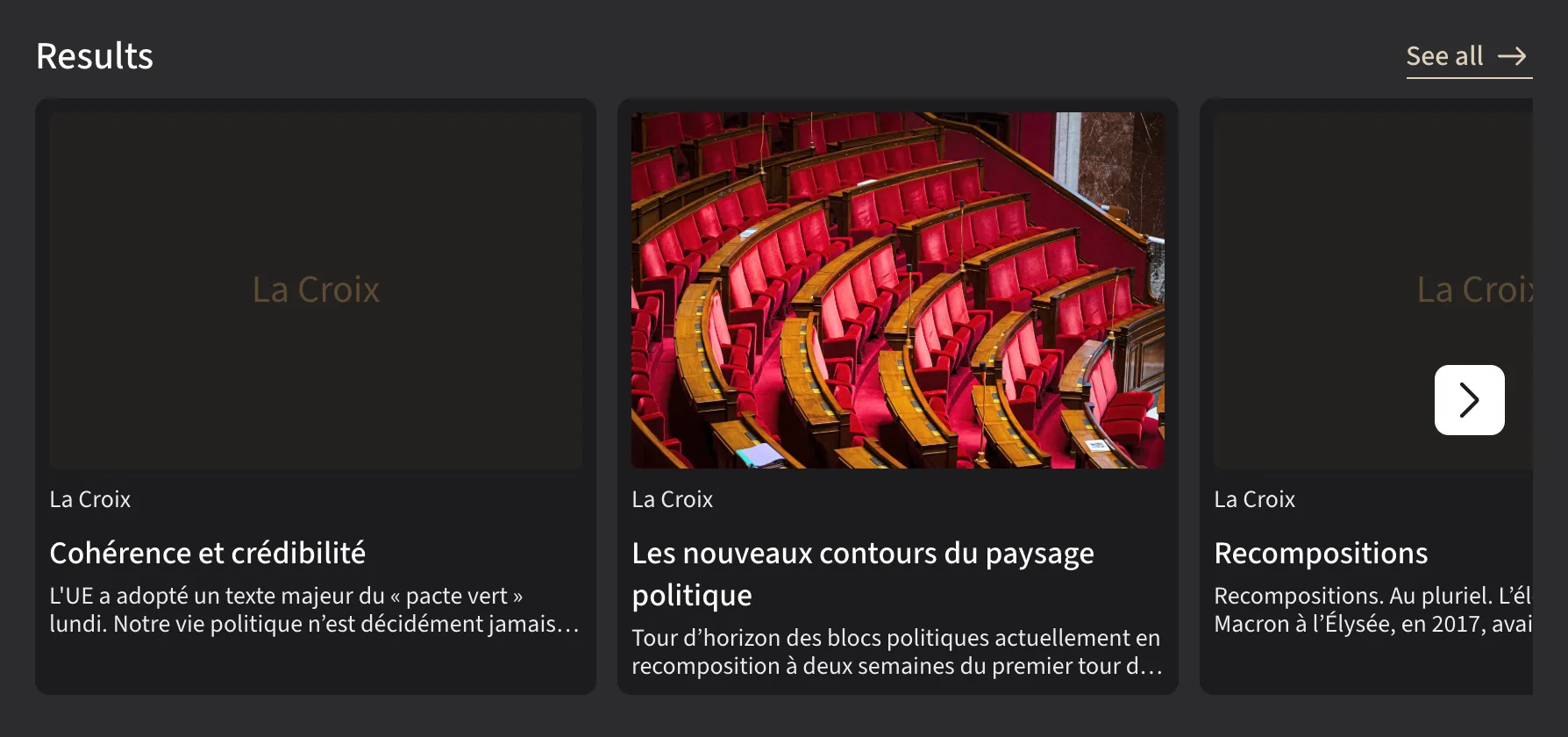
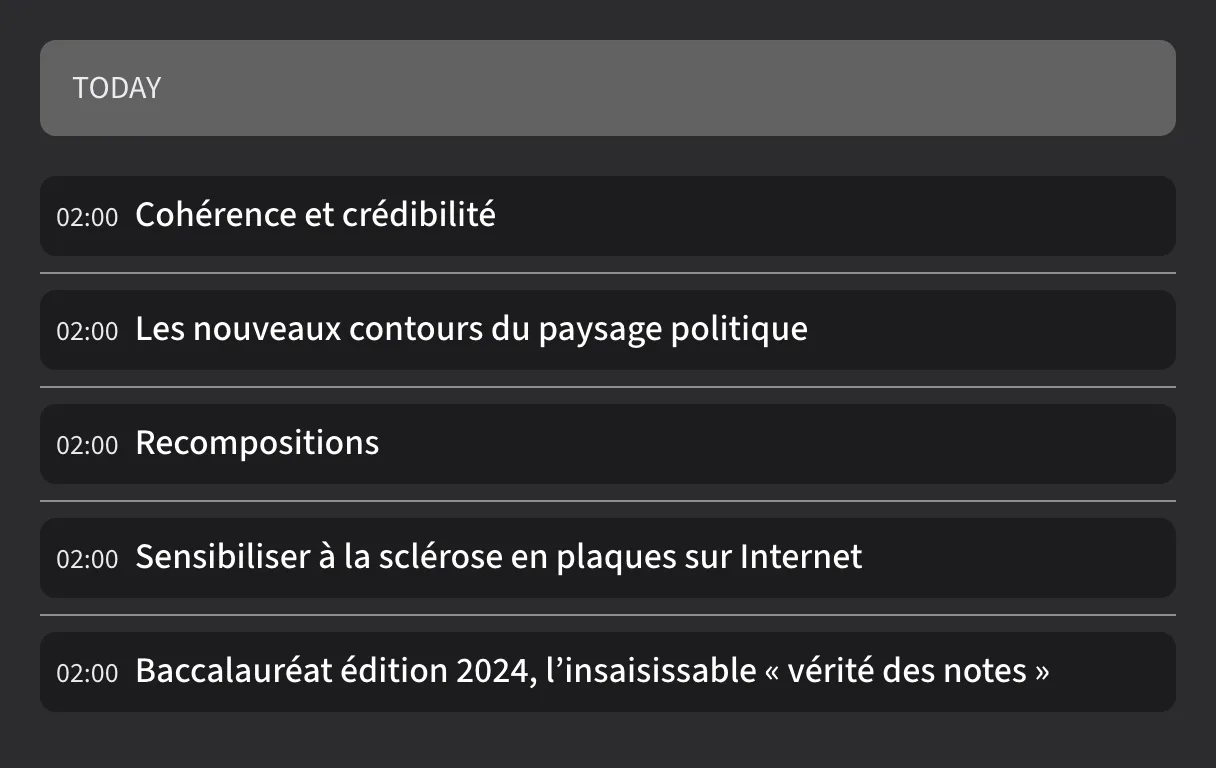
Each preview is a capture of the component rendered by the vanilla SDK with demo data, in the light and dark themes (it follows this page's theme). Use the switch above a preview to compare variants.
HeaderSection
PresentationalSection header: title, badge, metadata and optional link.






| Prop | Type | Description |
|---|---|---|
| titlerequired | string | Section title. |
| badgeLabel | string? | Badge displayed next to the title. |
| infos | string[]? | List of short metadata items. |
| linkLabel / to | string? | Optional link (both props are required to display it). |
| variant | "default" | "filled" | Visual style — "filled" shows the title only, uppercase on a tinted background. Default "default". |
| size | "md" | "lg" | Title size — default "md". |
<HeaderSection title="Top stories" linkLabel="See all" to="/articles" />
<HeaderSection title="Top stories" link-label="See all" to="/articles" />
cgsComponents.headerSection({
  selector: "section-head",
  title: "Top stories",
  linkLabel: "See all",
  to: "/articles",
});
ContentInfo
PresentationalPresentation block with title, metadata and action button — typically at the top of a publication page.


| Prop | Type | Description |
|---|---|---|
| title | string? | Main title — optional, the block can be reduced to its button. |
| infos | string[]? | Short metadata. |
| buttonLabel / to | string? | Action button label and target URL (both props are required to display the button). |
<ContentInfo
  title="La Croix"
  infos={["Ariège edition"]}
  buttonLabel="Read"
  to="/pdf-reader/17"
/>
<ContentInfo
  title="La Croix"
  :infos="['Ariège edition']"
  button-label="Read"
  to="/pdf-reader/17"
/>
cgsComponents.contentInfo({
  selector: "pub-header",
  title: "La Croix",
  infos: ["Ariège edition"],
  buttonLabel: "Read",
  to: "/pdf-reader/17",
});
ArticleCell
Requires CGSLoads and displays a single article via core.articles.getArticle(articleId). A shimmer is shown while loading.


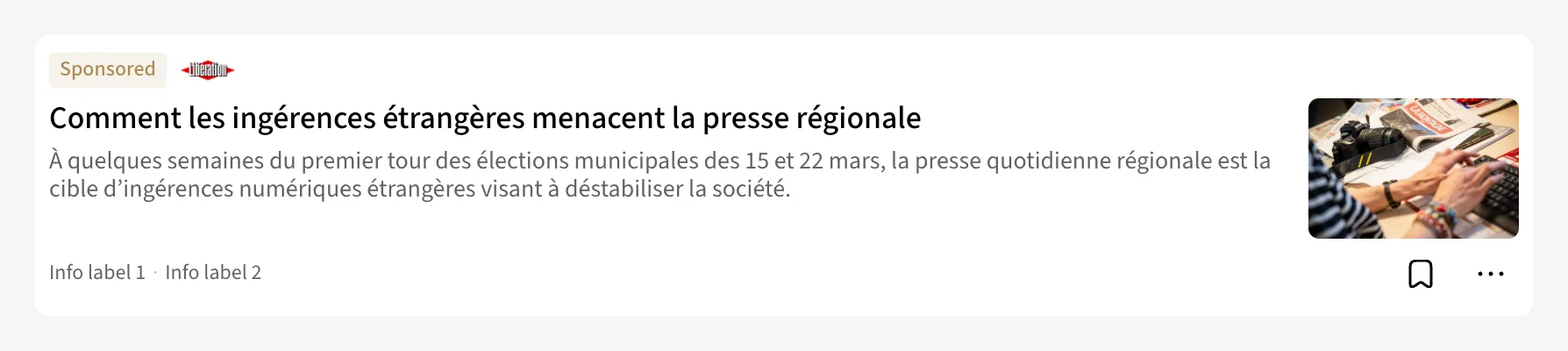
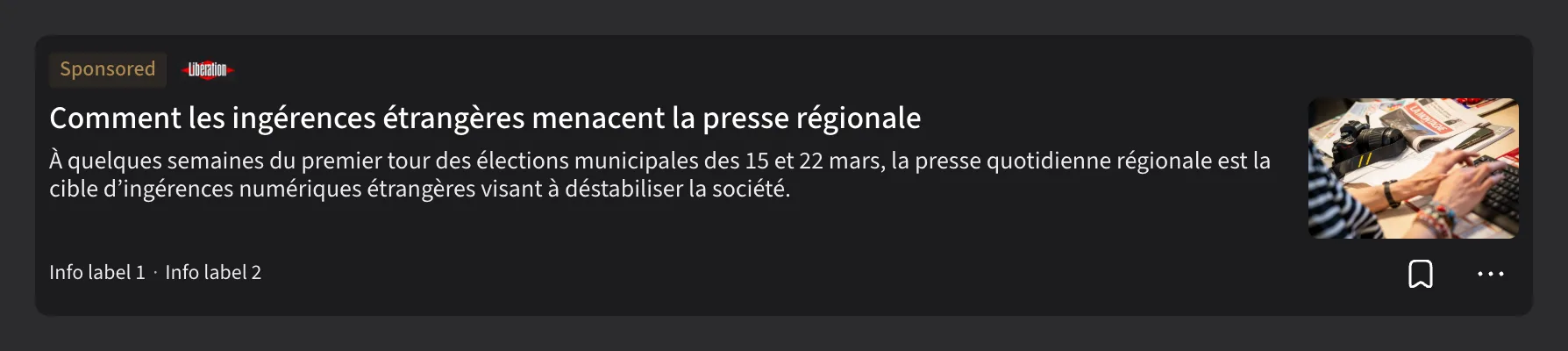




| Prop | Type | Description |
|---|---|---|
| articleIdrequired | string | Article identifier. |
| baseUrlrequired | string | Base URL for the generated article links. |
| variant | "leading" | "standard" | "rich" | "timeline" | Visual template — default "standard". |
<ArticleCell articleId="cafeyn-la-croix-238-p2" baseUrl="/articles/" variant="rich" />
<ArticleCell article-id="cafeyn-la-croix-238-p2" base-url="/articles/" variant="rich" />
cgsComponents.articleCell({
  selector: "featured-article",
  articleId: "cafeyn-la-croix-238-p2",
  baseUrl: "/articles/",
  variant: "rich",
});
ArticleSection
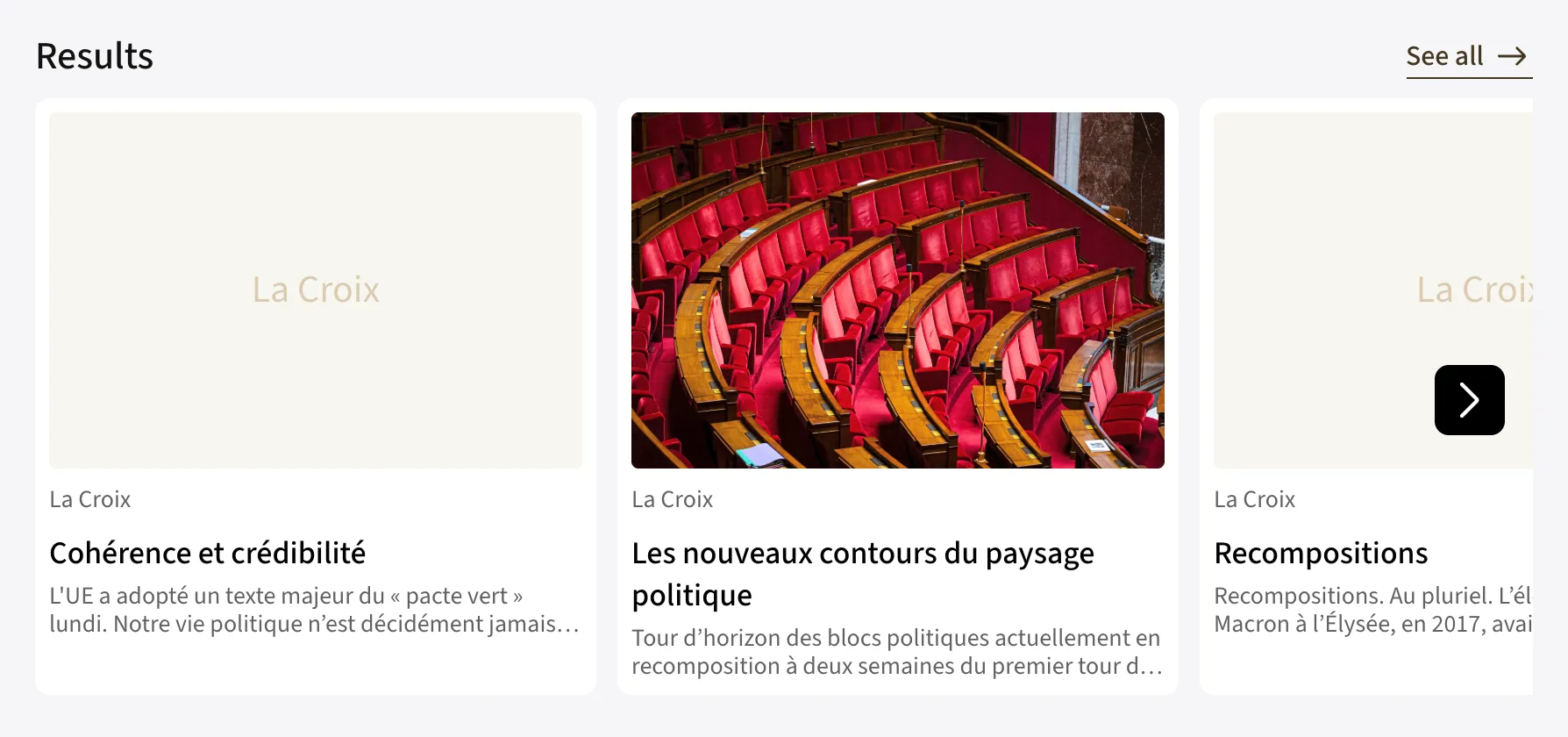
Requires CGSPaginated article list via core.articles.getArticles(filter, orderBy, paging), laid out as a responsive grid or as a horizontal carousel. loadMore enables infinite loading via an intersection observer.
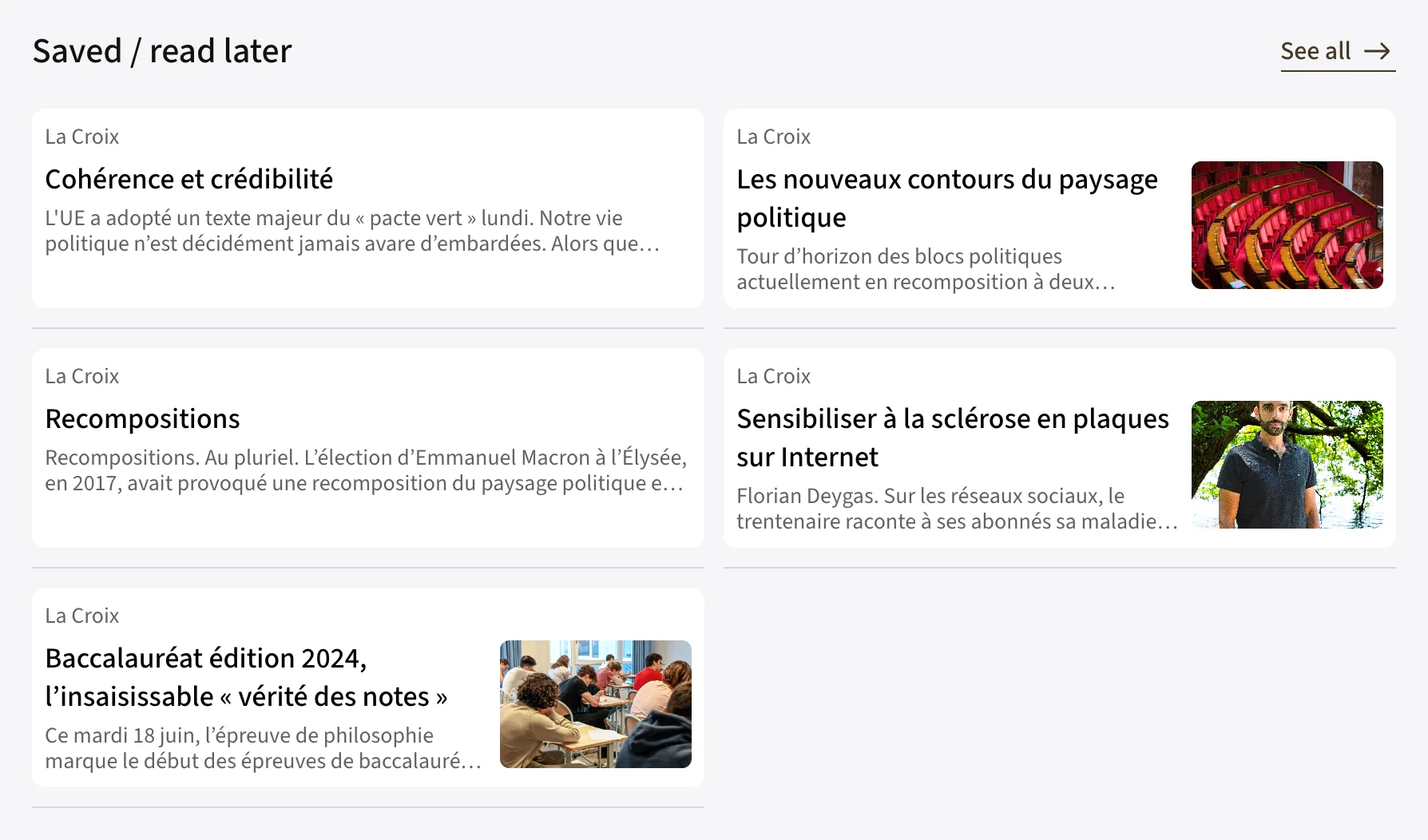
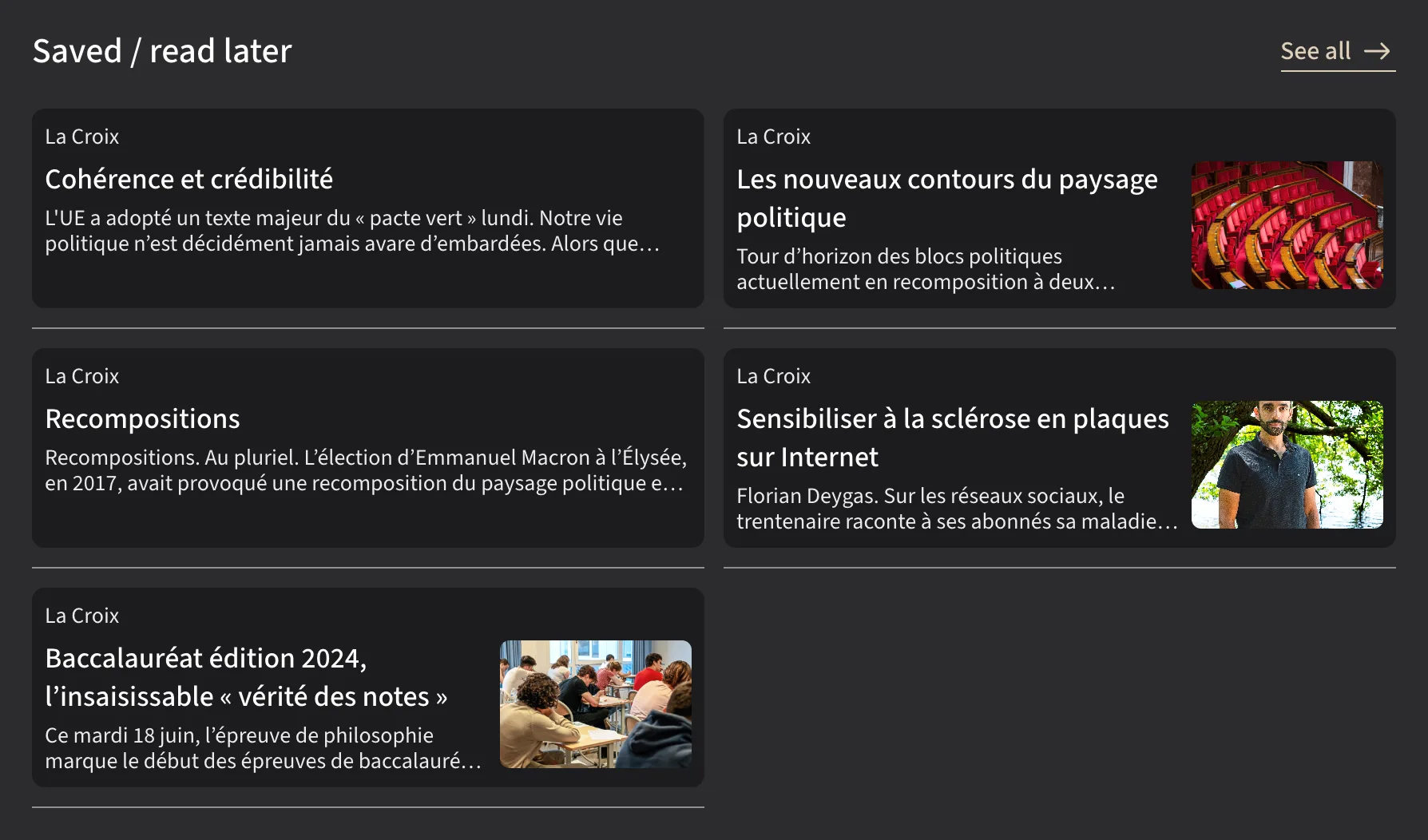
| Prop | Type | Description |
|---|---|---|
| filterrequired | ArticleFilter | Search criteria (see Core → Articles). |
| baseUrlrequired | string | Base URL for the generated links. |
| orderBy | ArticleSort[]? | Result sorting. |
| paging | { limit?, pageToken? } | Initial pagination. |
| loadMore | boolean? | Enables infinite scroll — ignored with gridLayout: "horizontal". |
| header | { title, badgeLabel?, infos?, linkLabel?, to?, variant? }? | Optional section header, rendered by HeaderSection (size lg) — same props, variant included. |
| gridLayout | "vertical" | "horizontal" | Layout — default "vertical" (1 to 3 columns depending on the container width); "horizontal" shows a scrollable carousel with navigation buttons. |
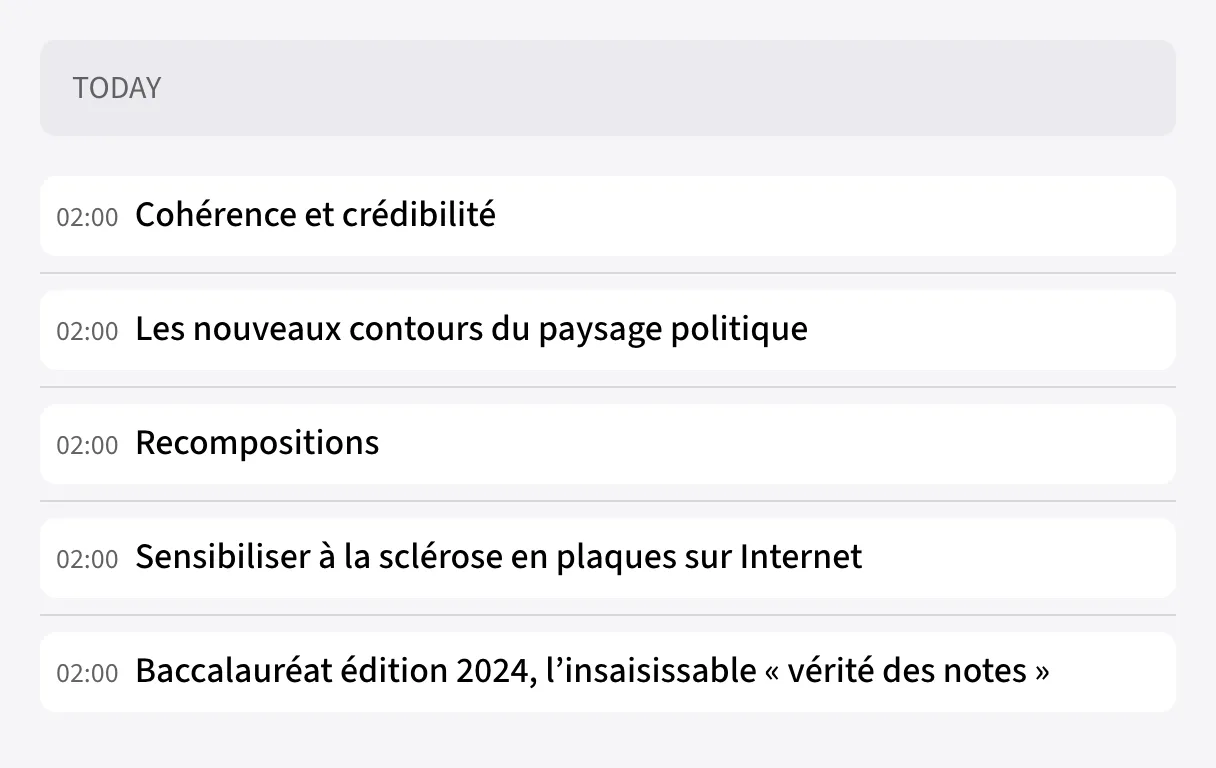
| variant | "leading" | "standard" | "rich" | "timeline" | Cell template — default "standard". "timeline" always renders a single column (max. 568px). |
<ArticleSection
  header={{ title: "Latest articles", linkLabel: "See all", to: "/articles" }}
  baseUrl="/articles/"
  filter={{ publicationIds: ["73"] }}
  paging={{ limit: 12 }}
  gridLayout="horizontal"
  variant="rich"
/>
<ArticleSection
  :header="{ title: 'Latest articles', linkLabel: 'See all', to: '/articles' }"
  base-url="/articles/"
  :filter="{ publicationIds: ['73'] }"
  :paging="{ limit: 12 }"
  grid-layout="horizontal"
  variant="rich"
/>
cgsComponents.articleSection({
  selector: "latest-articles",
  header: { title: "Latest articles", linkLabel: "See all", to: "/articles" },
  baseUrl: "/articles/",
  filter: { publicationIds: ["73"] },
  paging: { limit: 12 },
  gridLayout: "horizontal",
  variant: "rich",
});

// a single-column feed with a filled header
cgsComponents.articleSection({
  selector: "today",
  header: { title: "Today", variant: "filled" },
  baseUrl: "/articles/",
  filter: { publicationIds: ["73"] },
  loadMore: true,
  variant: "timeline",
});
IssueCell
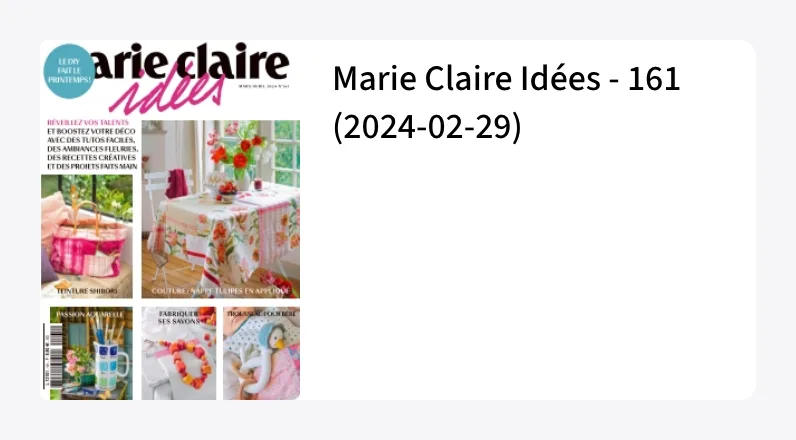
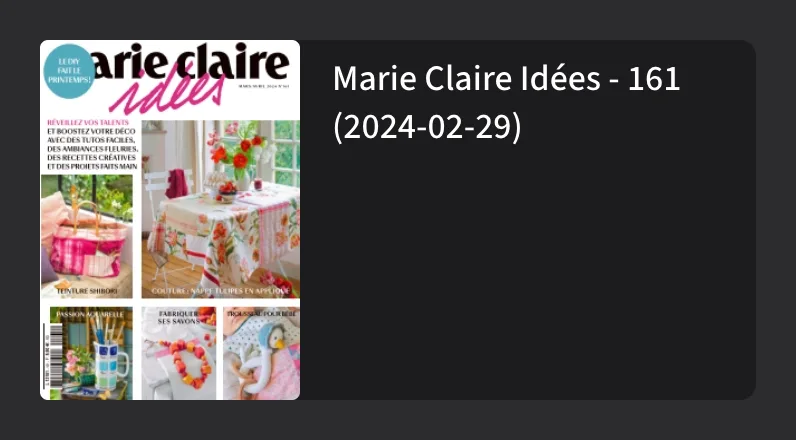
Requires CGSLoads and displays a single issue via core.issues.getIssue(issueId).




| Prop | Type | Description |
|---|---|---|
| issueIdrequired | string | Issue identifier. |
| baseUrlrequired | string | Base URL for the generated links. |
| variant | "branded" | "rich" | "standard" | Visual template — default "standard". |
<IssueCell issueId="17" baseUrl="/pdf-reader/" variant="rich" />
<IssueCell issue-id="17" base-url="/pdf-reader/" variant="rich" />
cgsComponents.issueCell({
  selector: "issue-17",
  issueId: "17",
  baseUrl: "/pdf-reader/",
  variant: "rich",
});
IssueSection
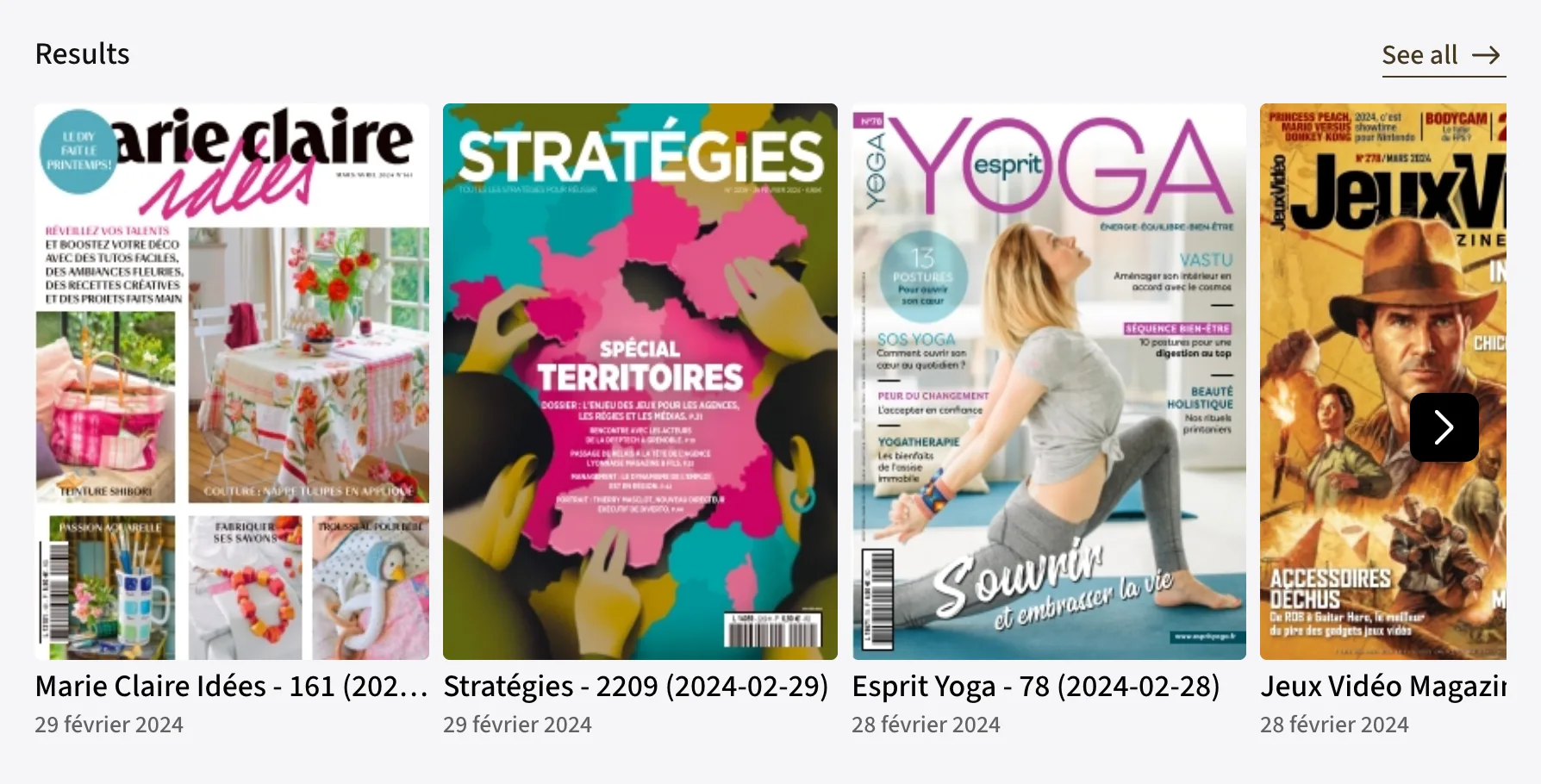
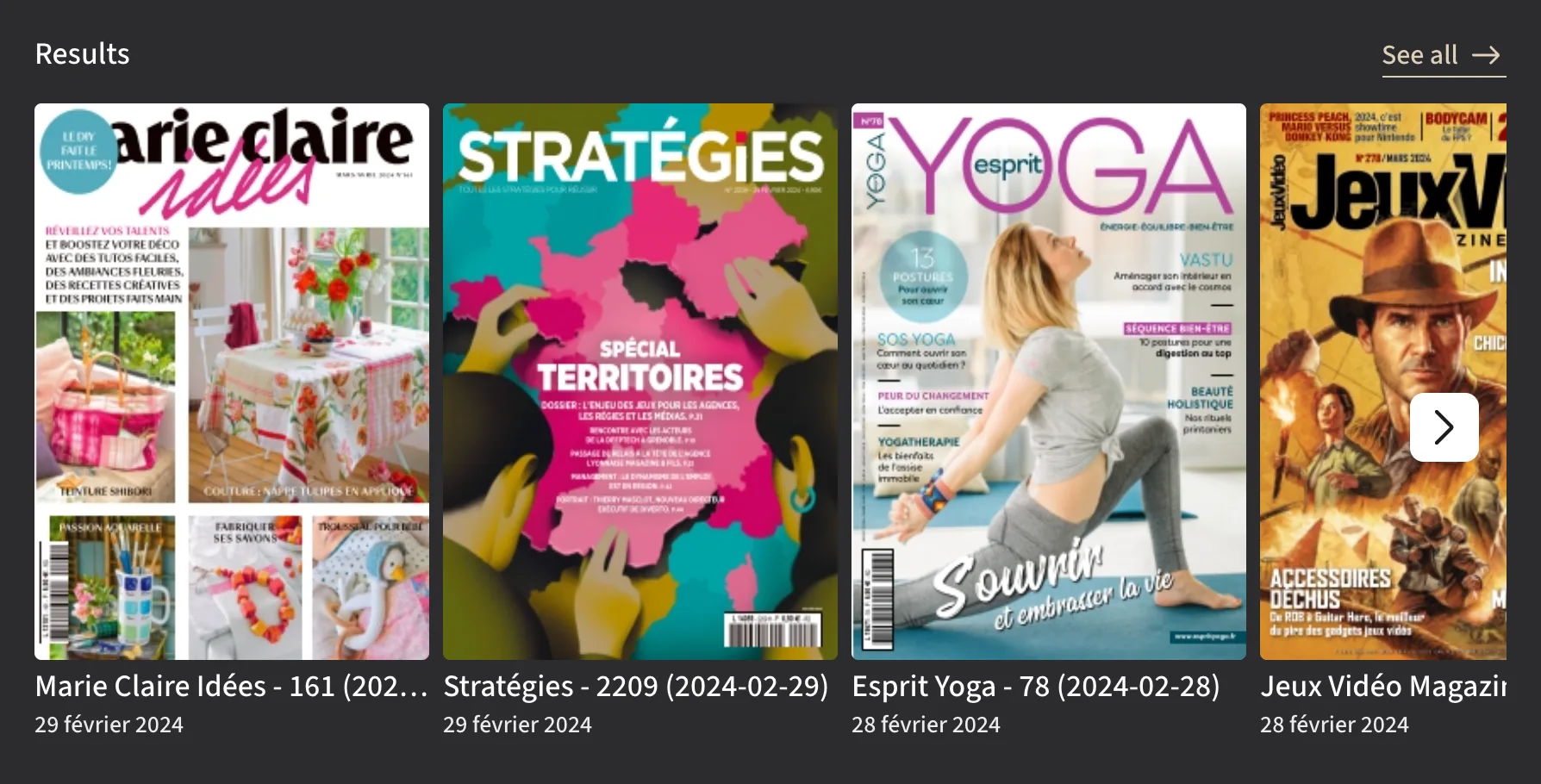
Requires CGSPaginated issue list via core.issues.getIssues(filter, orderBy, paging), as a horizontal carousel or a responsive grid.
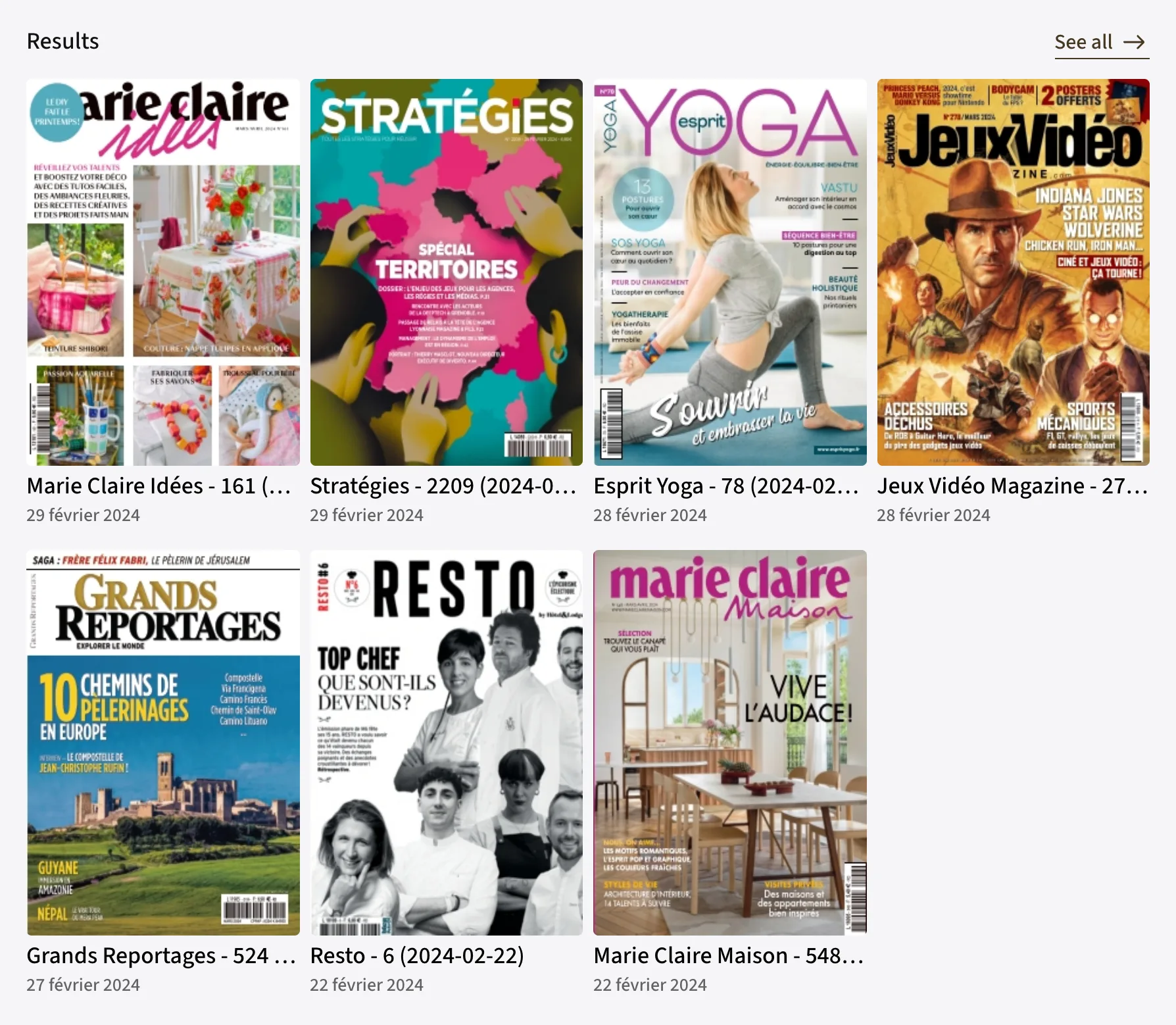
| Prop | Type | Description |
|---|---|---|
| filterrequired | IssueFilter | Search criteria (see Core → Issues). |
| baseUrlrequired | string | Base URL for the generated links. |
| orderBy | IssueSort[]? | Result sorting. |
| paging | { limit?, pageToken? } | Initial pagination. |
| loadMore | boolean? | Enables infinite loading at the end of the carousel — only taken into account when gridLayout is explicitly set to "horizontal". |
| header | { title, badgeLabel?, infos?, linkLabel?, to? }? | Optional section header, rendered by HeaderSection. |
| gridLayout | "horizontal" | "vertical" | Layout — default "horizontal" (scrollable carousel with navigation buttons). |
| columns | { base, md?, lg?, xl? } | Number of columns (1 to 6) per container breakpoint, for "vertical" — default { base: 2, md: 3, lg: 4, xl: 5 }. |
| variant | "branded" | "rich" | "standard" | Cell template — default "standard". |
<IssueSection
  baseUrl="/pdf-reader/"
  filter={{ ids: ["17", "22", "41"] }}
  gridLayout="vertical"
  columns={{ base: 2, md: 3, lg: 4, xl: 6 }}
/>
<IssueSection
  base-url="/pdf-reader/"
  :filter="{ ids: ['17', '22', '41'] }"
  grid-layout="vertical"
  :columns="{ base: 2, md: 3, lg: 4, xl: 6 }"
/>
cgsComponents.issueSection({
  selector: "issue-archives",
  baseUrl: "/pdf-reader/",
  filter: { ids: ["17", "22", "41"] },
  gridLayout: "vertical",
  columns: { base: 2, md: 3, lg: 4, xl: 6 },
});
IssueHighlighted
Requires CGSHighlights a single issue — large-format cover and action button — via core.issues.getIssue(issueId).




| Prop | Type | Description |
|---|---|---|
| issueIdrequired | string | Issue identifier. |
| baseUrlrequired | string | Base URL for the generated links — the button points to baseUrl + issueId. |
| buttonLabel | string? | Action button label — no button without it. |
| noTitle | boolean? | Hides the issue title below the cover. |
<IssueHighlighted issueId="17" baseUrl="/pdf-reader/" buttonLabel="Read this issue" />
<IssueHighlighted issue-id="17" base-url="/pdf-reader/" button-label="Read this issue" />
cgsComponents.issueHighlighted({
  selector: "cover-issue",
  issueId: "17",
  baseUrl: "/pdf-reader/",
  buttonLabel: "Read this issue",
});
AddInSection
Requires CGSLists the add-ins (supplements) of an issue via core.issues.getAddIns(issueId, paging), as standard issue cells. Renders nothing when the issue has no add-ins.
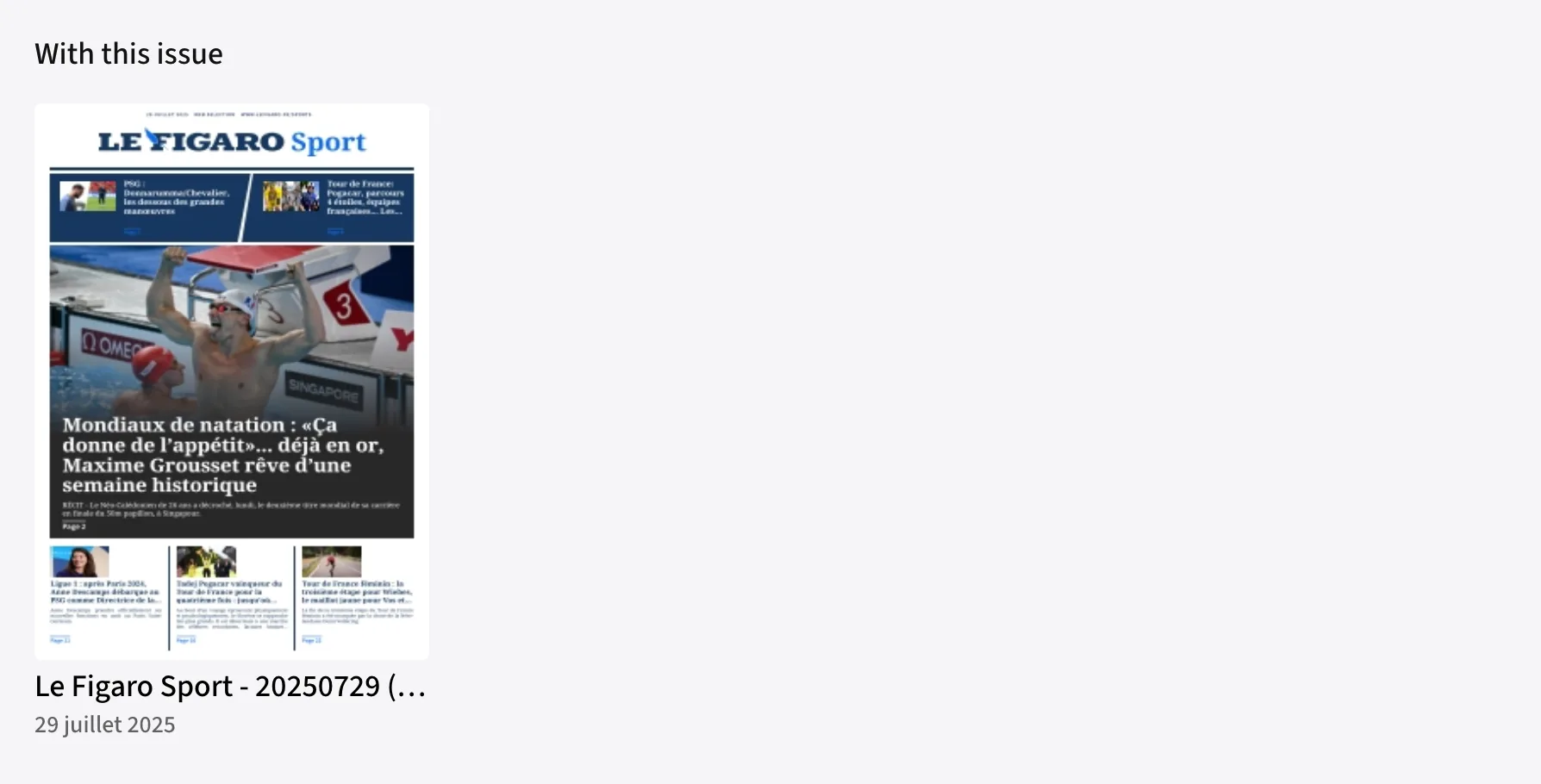
| Prop | Type | Description |
|---|---|---|
| issueIdrequired | string | Identifier of the parent issue. |
| baseUrlrequired | string | Base URL for the generated links. |
| header | { title: string }? | Optional section title. |
| paging | { limit?, pageToken? } | Pagination. |
| gridLayout | "horizontal" | "vertical" | Layout — default "horizontal". |
| columns | { base, md?, lg?, xl? } | Columns per breakpoint for "vertical" — same as IssueSection. |
<AddInSection
  issueId="211"
  baseUrl="/pdf-reader/"
  header={{ title: "With this issue" }}
/>
<AddInSection
  issue-id="211"
  base-url="/pdf-reader/"
  :header="{ title: 'With this issue' }"
/>
cgsComponents.addInSection({
  selector: "issue-addins",
  issueId: "211",
  baseUrl: "/pdf-reader/",
  header: { title: "With this issue" },
});
PublicationCell
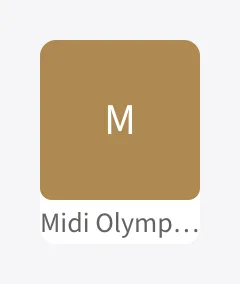
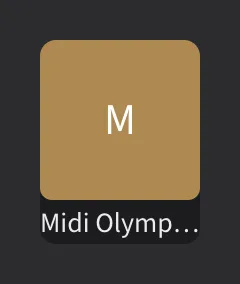
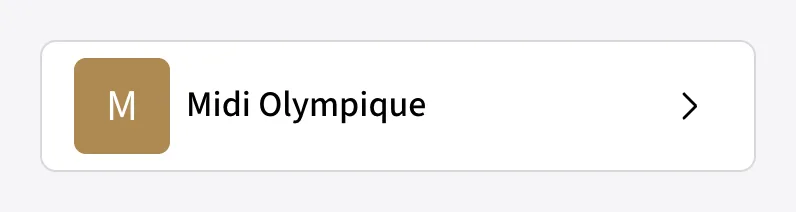
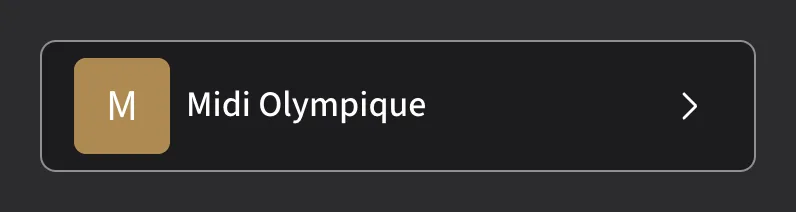
Loads and displays a single publication (the title/brand) via core.publications.getPublication(publicationId). A shimmer is shown while loading; the initial of the title is shown when the publication has no logo.
| Prop | Type | Description |
|---|---|---|
| publicationIdrequired | string | Publication identifier. |
| baseUrl | string? | Base URL for the generated link (baseUrl + publicationId). Without it, the cell is not clickable; with it, the inline variant also shows a chevron. |
| variant | "item" | "inline" | Visual template — default "item" (square logo with title below); "inline" is a horizontal row. |
<PublicationCell
  publicationId="73"
  baseUrl="/publication/"
  variant="inline"
/>
<PublicationCell
  publication-id="73"
  base-url="/publication/"
  variant="inline"
/>
cgsComponents.publicationCell({
  selector: "publication-73",
  publicationId: "73",
  baseUrl: "/publication/",
  variant: "inline",
});
PublicationSection
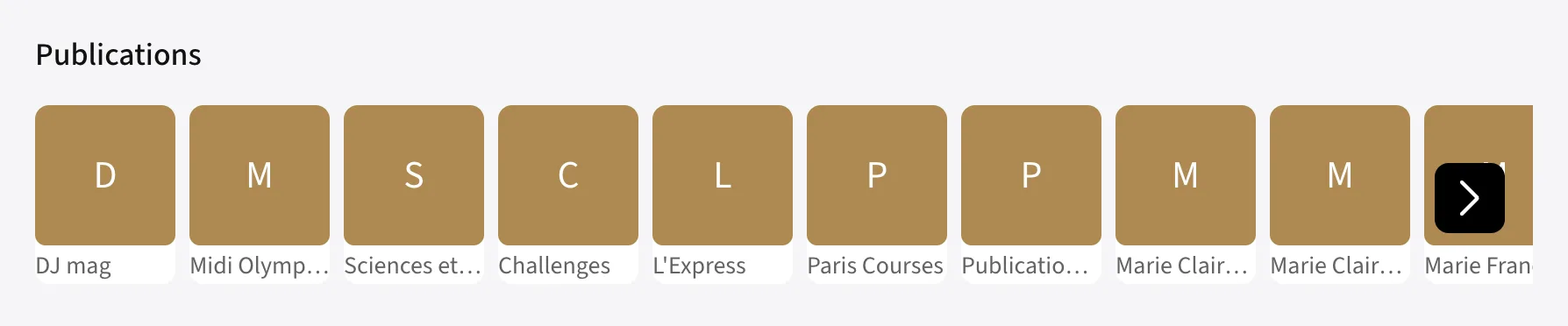
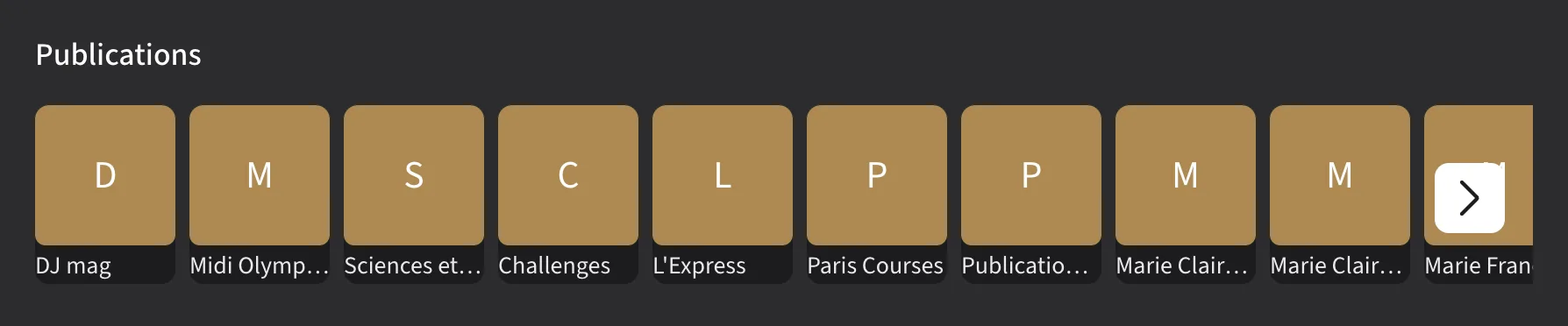
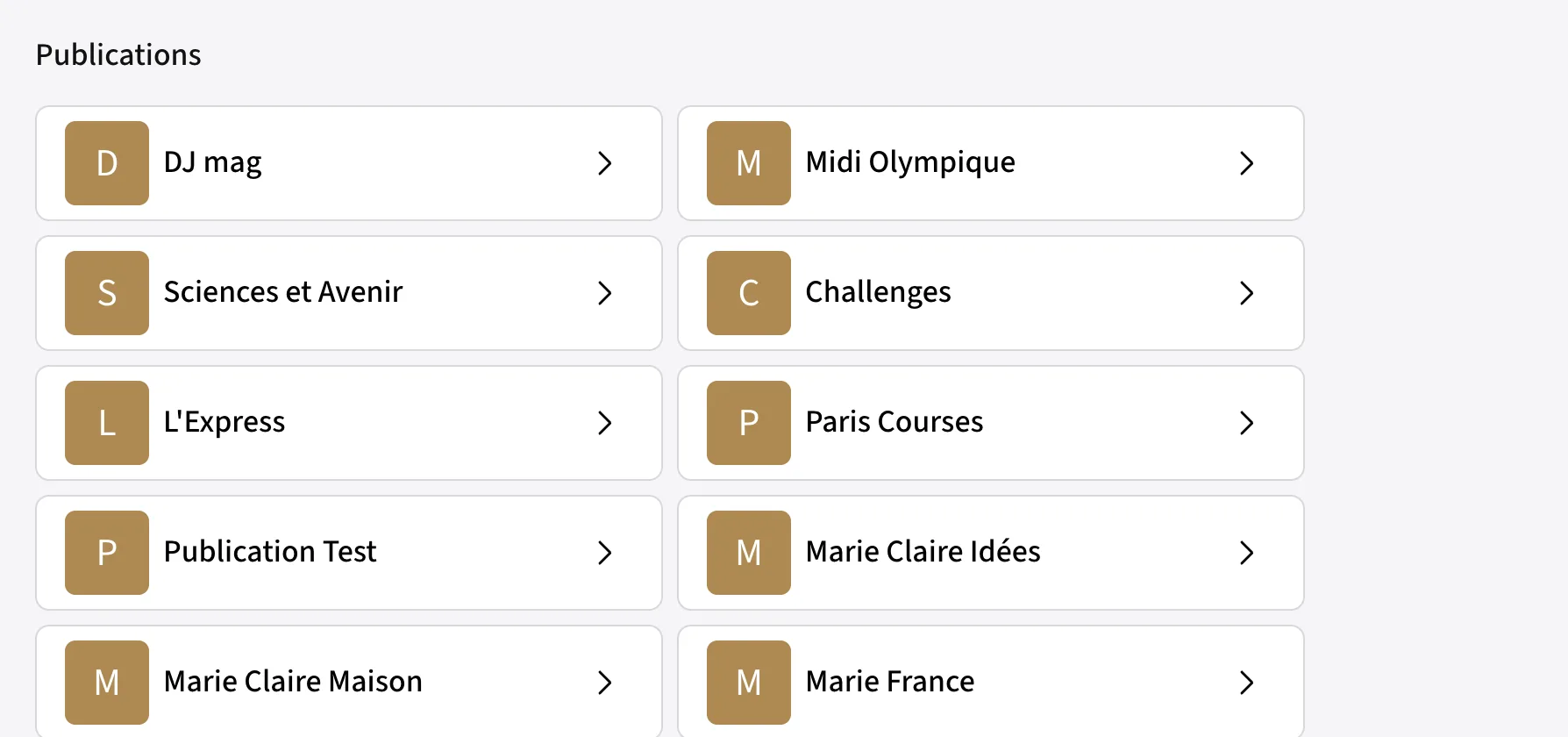
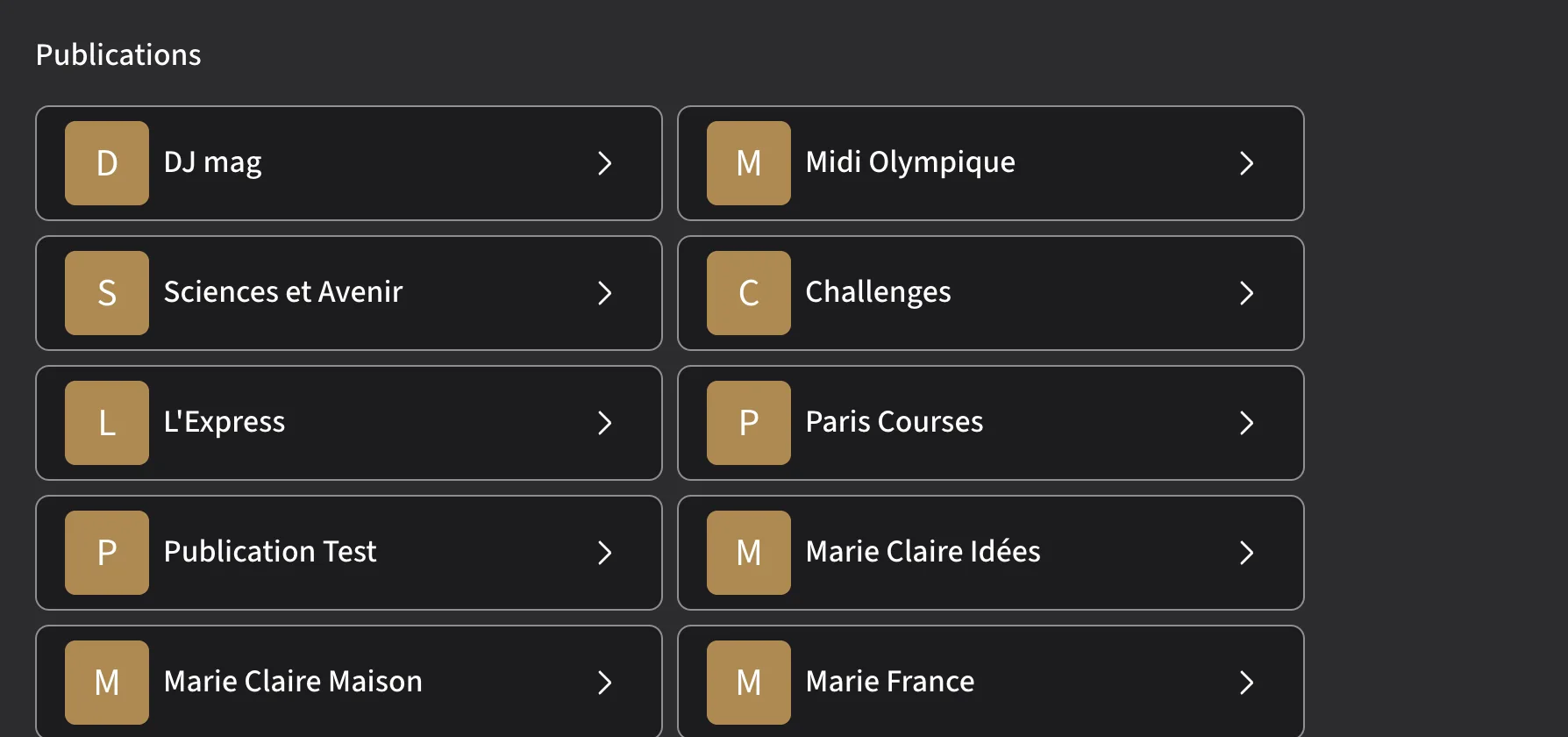
Paginated publication list via core.publications.getPublications(filter, orderBy, paging), as a carousel of item cells or a grid of inline cells.
| Prop | Type | Description |
|---|---|---|
| filter | PublicationFilter? | Search criteria (see Core → Publications) — default {}. |
| baseUrl | string? | Base URL for the generated links; cells are not clickable without it. |
| orderBy | PublicationSort[]? | Result sorting. |
| paging | { limit?, pageToken? } | Initial pagination. |
| loadMore | boolean? | Enables infinite scroll — only taken into account when gridLayout is explicitly set to "vertical". |
| header | { title, badgeLabel?, infos?, linkLabel?, to? }? | Optional section header, rendered by HeaderSection. |
| gridLayout | "horizontal" | "vertical" | Layout — default "horizontal" (carousel of item cells); "vertical" shows a grid of inline cells. |
| columns | { base, md?, lg?, xl? } | Number of columns (1 to 4) per container breakpoint, for "vertical" — default { base: 1, md: 2, lg: 3 }. |
The former variant prop has been replaced by gridLayout, aligned with ArticleSection and IssueSection.
<PublicationSection
  header={{ title: "Publications" }}
  baseUrl="/publication/"
  paging={{ limit: 10 }}
  gridLayout="vertical"
  columns={{ base: 1, md: 2, lg: 3 }}
/>
<PublicationSection
  :header="{ title: 'Publications' }"
  base-url="/publication/"
  :paging="{ limit: 10 }"
  grid-layout="vertical"
  :columns="{ base: 1, md: 2, lg: 3 }"
/>
cgsComponents.publicationSection({
  selector: "publications",
  header: { title: "Publications" },
  baseUrl: "/publication/",
  paging: { limit: 10 },
  gridLayout: "vertical",
  columns: { base: 1, md: 2, lg: 3 },
});Reading engines
ArticleReader and PDFReader wrap the articlereader / pdfreader packages: standalone Svelte engines mounted imperatively into a <div>, each with its own stylesheet to import separately.
Both engines can also be used without JavaScript/React/Vue (the component libraries), directly through their init() / destroy() API — useful for any other framework.
| ArticleReader | PDFReader | |
|---|---|---|
| Package | articlereader | pdfreader |
| Opens | a list of articles (articleIds) | a full issue (issueId) |
| Content source | core.articles.getArticle(id), one article at a time, on demand | core.reader.getTicket(issueId), then the ticket's tiles/articles/enrichments |
| Embeds | — | articlereader (to open an article from a magazine page) |
ArticleReader
Requires CGSFull-screen paginated reader over a list of articles. Common options: language, text selection, sharing, text-to-speech, bookmarks.
| Prop | Type | Description |
|---|---|---|
| articleIdsrequired | string[] | Articles available for navigation. |
| config | object? | language, allowTextSelection, bookmark, share, textToSpeech, events.shareArticle… |
import { ArticleReader } from "@cafeyn/web-cgs-react";
import "@cafeyn/web-cgs-articlereader/index.css";

<ArticleReader
  articleIds={[articleId]}
  config={{ language: "fr", allowTextSelection: true, share: { enabled: true } }}
/>
<script setup lang="ts">
import { ArticleReader } from "@cafeyn/web-cgs-vue";
import "@cafeyn/web-cgs-articlereader/index.css";
</script>

<template>
  <ArticleReader :article-ids="[articleId]" />
</template>
<!-- via the component library -->
<link rel="stylesheet" href="/cgs/articlereader/index.css">
<script src="/cgs/articlereader/index.js"></script>

<div id="reader"></div>
<script>
  cgsComponents.articleReader({ selector: "reader", articleIds: [articleId] });
</script>

<!-- or directly, without a framework -->
<script>
  Article.init({
    target: document.getElementById("reader"),
    cgsInstance: cgsComponents.core,
    articleIds: [articleId],
  });
  // Article.destroy() when leaving the view
</script>
Under the hood
Whatever the framework, ArticleReader simply calls the imperative API of the articlereader package on a <div> that it mounts itself.
| Method | Description |
|---|---|
| init(config) | Mounts the reader. Requires target, cgsInstance and articleIds. |
| updateArticles(articleIds) | Replaces the list of navigable articles without unmounting the reader. |
| destroy() | Unmounts the reader and resets its internal state. |
-
You provide a list of identifiers
articleIdsdefines the articles the user can browse, in the given order. -
Each article is loaded on demand
The reader calls
core.articles.getArticle(articleId)for the displayed article — no global preloading. -
The list can change without remounting the reader
updateArticles()updatesarticleIdson the fly (useful for search or pagination while reading).
Configuration
Everything config accepts, in addition to articleIds (already covered by its dedicated prop). All of these keys are optional.
Content & navigation
| Option | Type | Description |
|---|---|---|
| language | "fr" | "en" | "es" | "de" | "it" | "nl" | "ca" | Reader interface language. |
| startArticle | string | Id of the article opened on mount (otherwise the first one in articleIds). |
| forceTemplate | "advertisement" | "default" | "full-height" | "half-width" | Forces a display template instead of the content's own. |
| croppedImages | boolean | Crops the images at the top of the article. |
| isSearch | boolean | Enables the dedicated "search result" layout. |
| adapter | object | Mapping adapter if your content does not exactly follow the CGS Article format. |
| resources / imagesEndpoint | object / string | Overrides the static resources and the images endpoint. |
| fallbackPublicationLogo / Title / ReleaseDate | string / string / string|number | Values displayed if the source publication or issue cannot be resolved. |
| issueBanner.enabled | boolean | Displays a banner linking to the article's source issue. |
| issueBanner.generateLink | (fetchedArticle) => string | Builds the banner URL from the loaded article. |
Appearance & reading
| Option | Type | Description |
|---|---|---|
| fontSizeMin / fontSizeMax | number | Bounds of the font-size setting offered to the user. |
| allowTextSelection | boolean | Allows text selection in the article. |
| ambient.enabled | boolean | Displays the reading theme picker. |
| ambient.default | "auto" | "dark" | "light" | Theme applied on open. "auto" follows the system theme. |
| ambient.force | "auto" | "dark" | "light" | If set, locks the theme to this value and hides the picker. |
| ambient.callback | (ambient) => void | Called each time the user changes the theme. |
| customScrollHandler | () => void | Replaces the default scroll behavior. |
Bookmarks
| Option | Type | Description |
|---|---|---|
| bookmark.enabled | boolean | Displays the bookmark button on the article. |
| bookmark.bookmarkedArticles | string[] | Ids already bookmarked — only used to show the button in the correct state on mount. |
| bookmark.set | (articleId, article) => boolean | Called when the user bookmarks the article. It is up to you to persist it (API, local storage…); return true to confirm the bookmark, false to cancel it. |
| bookmark.unset | (articleId, article) => boolean | Counterpart of set, called when the bookmark is removed. |
Listening
Two distinct mechanisms for listening to an article rather than reading it — not to be confused.
| Option | Type | Description |
|---|---|---|
| audio.enabled | boolean | Enables playback of a pre-recorded audio track provided by the publication (e.g. an article "read by" a journalist). Displays nothing if the article has none. |
| audio.callback | (articleId, article) => void | Called when audio playback starts. |
| textToSpeech.enabled | boolean | Enables text-to-speech for the article text — generated on the fly, available for any article, even without a dedicated audio track. |
| textToSpeech.portal | (instance?) => void | Extension point for customizing the text-to-speech interface. |
Sharing & printing
| Option | Type | Description |
|---|---|---|
| share.enabled | boolean | Displays the share button. |
| share.default | boolean | Opens the share panel automatically on mount. |
| share.baseUrl | string | Base URL for the links generated when sharing. |
| share.platforms | ("facebook" | "twitter" | "x" | "linkedin" | "email")[] | Platforms offered in the share panel. |
| share.imagePlaceholder | string | Image used if the article has no main image. |
| events.shareArticle | (data: { article, platform }) => void | Called after a share. platform can also be "linkCopied" (link copied). |
| print.enabled | boolean | Displays the print button. |
Lifecycle
| Option | Type | Description |
|---|---|---|
| closeButton | () => void | Called when the reader's close button is clicked. |
| onArticleMounted | (articleId, article, articleRaw) => void | Called when an article is displayed. |
| onArticleError | (articleId) => void | Called if an article fails to load. |
// This object is passed as-is via the "config" prop/option,
// whatever the framework (React, Vue, JavaScript).
// All keys are optional; they are listed here for reference.
const config = {
  // — Content & navigation —
  language: "fr",
  startArticle: articleIds[0],
  forceTemplate: undefined, // "advertisement" | "default" | "full-height" | "half-width"
  croppedImages: true,
  isSearch: false,
  adapter: myAdapter, // mapping if your article JSON differs from the CGS Article format
  resources: {},
  imagesEndpoint: "https://images.example.com",
  fallbackPublicationLogo: "/logo.svg",
  fallbackPublicationTitle: "My magazine",
  fallbackPublicationReleaseDate: "2026-01-01",
  issueBanner: {
    enabled: true,
    generateLink: (fetchedArticle) => `/issues/${fetchedArticle.issueId}`,
  },

  // — Appearance & reading —
  fontSizeMin: 14,
  fontSizeMax: 24,
  allowTextSelection: true,
  ambient: {
    enabled: true,
    default: "auto",     // "auto" | "dark" | "light" — follows the system theme
    force: undefined,       // set to lock the theme and hide the picker
    callback: (ambient) => console.log("Theme:", ambient),
  },
  customScrollHandler: () => { /* custom scroll behavior */ },

  // — Bookmarks —
  bookmark: {
    enabled: true,
    bookmarkedArticles: userBookmarks, // ids already bookmarked by this user
    set: (articleId, article) => {
      myApi.addBookmark(articleId);
      return true; // visually confirms the bookmark
    },
    unset: (articleId, article) => {
      myApi.removeBookmark(articleId);
      return true;
    },
  },

  // — Listening —
  audio: {
    enabled: true,
    callback: (articleId, article) => analytics.track("audio_play", { articleId }),
  },
  textToSpeech: {
    enabled: true,
    portal: (instance) => { /* text-to-speech UI customization */ },
  },

  // — Sharing & printing —
  share: {
    enabled: true,
    default: false,
    baseUrl: "https://www.example.com/read",
    platforms: ["facebook", "twitter", "x", "linkedin", "email"], // all possible values
    imagePlaceholder: "/share-placeholder.jpg",
  },
  events: {
    shareArticle: ({ article, platform }) =>
      analytics.track("share", { articleId: article.id, platform }), // platform also includes "linkCopied"
  },
  print: { enabled: true },

  // — Lifecycle —
  closeButton: () => history.go(-1),
  onArticleMounted: (articleId, article, articleRaw) =>
    analytics.track("article_view", { articleId }),
  onArticleError: (articleId) => console.error("Failed to load:", articleId),
};
PDFReader
Requires CGSFull-screen magazine reader (double/single-page flipping, zoom, search, bookmarks, enrichments). Internally opens a reading ticket for the requested issue.
| Prop | Type | Description |
|---|---|---|
| issueIdrequired | string | Issue to open. |
| config | object? | pageMode, zoomMin/Max, bookmarkPage, search, share, events.pageOpen… |
import { PDFReader } from "@cafeyn/web-cgs-react";
import "@cafeyn/web-cgs-pdfreader/index.css";

<PDFReader
  issueId={issueId}
  config={{ pageMode: "double", search: { enabled: true } }}
/>
<script setup lang="ts">
import { PDFReader } from "@cafeyn/web-cgs-vue";
import "@cafeyn/web-cgs-pdfreader/index.css";
</script>

<template>
  <PDFReader :issue-id="issueId" />
</template>
<link rel="stylesheet" href="/cgs/pdfreader/index.css">
<script src="/cgs/pdfreader/index.js"></script>

<div id="reader"></div>
<script>
  cgsComponents.pdfReader({ selector: "reader", issueId: "17" });
</script>
pdfreader declares articlereader as a peer dependency: it embeds it to open an article directly from a magazine page. Always install both packages together.
Under the hood
PDFReader calls the imperative API of the pdfreader package on a <div> that it mounts itself — same principle as ArticleReader, but with no equivalent of updateArticles().
| Method | Description |
|---|---|
| init(config) | Mounts the reader. Requires target, cgsInstance and issueId. |
| destroy() | Unmounts the reader and resets its internal state. |
To open another issue, you must call destroy() then init() with a new issueId — unlike ArticleReader, the content list cannot be updated on the fly.
-
Opening a reading ticket
init()callscore.reader.getTicket(issueId)to open a reading session on the issue. -
Loading the ticket's content
The reader then loads the page tiles (
getTiles) and, if the issue provides them, the embedded articles (getArticles) and the interactive enrichments (getEnrichments). -
Opening an article from a page
When the user taps an article in the magazine,
pdfreaderinternally reuses thearticlereaderpackage (Article.init()) to display it full screen.
Configuration
Everything config accepts, in addition to issueId (already covered by its dedicated prop). All of these keys are optional.
Content & navigation
| Option | Type | Description |
|---|---|---|
| language | "fr" | "en" | "es" | "de" | "it" | "nl" | "ca" | Reader interface language. |
| startPage / startArticle | number / string | Page or article opened on mount. |
| pageMode | "double" | "single" | "responsive" | Page-flipping mode. |
| scrollMode.enabled | boolean | Displays the flip / scroll toggle button. |
| scrollMode.default | "horizontal" | "vertical" | Continuous scroll direction applied by default. |
| flatplan.enabled / .default | boolean / boolean | Enables the issue flatplan (thumbnail view of all pages) and whether it is shown by default. |
| logo / titleDateFormat | string / string | Customization of the reader header. |
| fonts | { family, source, descriptors }[] | Additional fonts to load for rendering articles. |
| endpoint | { articles?, images?, fallback?, material?, pages?, resources? } | string | Overrides the issue's content endpoints. |
Zoom & embedded articles
| Option | Type | Description |
|---|---|---|
| zoomMin / zoomMax | number | Zoom bounds on a page. |
| articles.enabled | boolean | Allows opening articles from a magazine page. |
| articles.boxes | boolean | Displays the clickable areas (enrichments) on the pages. |
| articles.enrichmentsIconSet | "custom" | "standard" | false | Enrichment icon set, or false to hide them. |
| articles.allowTextSelection / .croppedImages | boolean / boolean | Same settings as in ArticleReader, applied to embedded articles. |
| articles.forceTemplate | "default" | "full-height" | "half-width" | Forces a template for embedded articles (no "advertisement" variant here). |
| ambient / ambientArticle | { enabled, default: "auto"|"dark"|"light" } | Magazine theme and embedded-article theme — two independent settings. |
| watermark | { enabled, text } | Watermark overlaid on the pages. |
Bookmarks, sharing & table of contents
set/unset accept a boolean OR a function here — unlike ArticleReader, where they are always callbacks. Pass true for local behavior without persistence, or a function (id) => boolean to plug in your own storage.
| Option | Type | Description |
|---|---|---|
| bookmarkPage.enabled | boolean | Displays the bookmark button on the pages. |
| bookmarkPage.bookmarkedPages | number[] | Page numbers already bookmarked. |
| bookmarkPage.set / .unset | boolean | ((page) => boolean) | See the note above. |
| bookmarkPage.libraryCta | () => void | Called on the "see my bookmarks" action (e.g. to open your library). |
| bookmarkArticle.enabled / .bookmarkedArticles | boolean / string[] | Same principles as bookmarkPage, applied to articles. |
| bookmarkArticle.set / .unset | boolean | ((articleId) => boolean) | See the note above. |
| share.enabled / .default / .link | boolean / boolean / string | Issue sharing — default opens the panel automatically, link is the shared URL. |
| share.platforms | ("facebook" | "twitter" | "x" | "linkedin" | "email")[] | Platforms offered. |
| shareArticle | { enabled, default, baseUrl?, imagePlaceholder? } | Same principle as share, for an article opened from the magazine. |
| summary | { enabled, default, imagesPlaceholder? } | Issue table of contents. |
| print.page / .article | boolean / boolean | Allows printing a page or an article. |
| print.pageCheck | (data: { currentPage, isDoublePage }) => Promise<{ enabled, message }> | Called before printing — lets you block it dynamically (return enabled: false + a message). |
Search, audio & discovery
| Option | Type | Description |
|---|---|---|
| search.enabled / .default | boolean / boolean | default opens the search panel automatically. |
| search.onSearch | (text) => Promise<{ highlights, mid }[]> | Your search function — returns the matches to highlight. |
| textToSpeech | { enabled, portal? } | Text-to-speech for the magazine's articles, same principle as in ArticleReader. |
| listen | boolean | Enables the magazine's audio track, if there is one. |
| tutorial.enabled | boolean | Displays the onboarding tutorial on first launch. |
Session & callbacks
| Option | Type | Description |
|---|---|---|
| renewTicket | { enabled, lifetime, headers, url } | Renews the reading ticket before it expires — see the warning below. |
| closeButton / downloadButton | () => void | Callbacks for the close and download buttons. |
| triggerDoublePagesEvent | boolean | Emits a dedicated event when a double page is displayed. |
| events.pageOpen | (data: { currentPage, totalPages, isDoublePage }) => void | Called on every page change. |
| events.pageZoomEnter / .pageZoomChange | (data) => void / (zoomLevel) => void | Called when zoom is entered and on every zoom level change. |
| events.articleOpen / .articleClose | (article) => void | Called when an embedded article is opened/closed. |
| events.bookmarkArticle / .bookmarkPage (+ unbookmark…) | function | Mirror the set/unset callbacks above. |
| events.summaryOpen / .summaryClose | () => void | Called when the table of contents is opened/closed. |
| events.issueOpen / .issueShared | (metadata) => void | Called when the issue is opened and when it is shared. |
| events.boxClick | (box) => void | Called when a page enrichment is clicked. |
// This object is passed as-is via the "config" prop/option,
// whatever the framework (React, Vue, JavaScript).
// All keys are optional; they are listed here for reference.
const config = {
  // — Content & navigation —
  language: "fr",
  startPage: 1,
  startArticle: undefined, // id of an article to open directly on mount
  pageMode: "double",     // "double" | "single" | "responsive"
  scrollMode: { enabled: true, default: "vertical" }, // "horizontal" | "vertical"
  flatplan: { enabled: true, default: false },
  logo: "/logo.svg",
  titleDateFormat: "DD MMMM YYYY",
  fonts: [{ family: "Custom Serif", source: "url(/fonts/custom.woff2)", descriptors: { weight: "400" } }],
  endpoint: { images: "https://images.example.com" },

  // — Zoom & embedded articles —
  zoomMin: 1,
  zoomMax: 4,
  articles: {
    enabled: true,
    boxes: true,
    enrichmentsIconSet: "standard", // "custom" | "standard" | false
    forceTemplate: undefined,       // "default" | "full-height" | "half-width"
    allowTextSelection: true,
    croppedImages: true,
  },
  ambient: { enabled: true, default: "auto" },        // magazine theme
  ambientArticle: { enabled: true, default: "auto" }, // embedded-article theme (independent)
  watermark: { enabled: true, text: "Demo copy" },

  // — Bookmarks, sharing & table of contents —
  bookmarkPage: {
    enabled: true,
    bookmarkedPages: userPageBookmarks,
    set: true,  // boolean: shortcut with no SDK-side persistence…
    unset: (page) => { myApi.removePageBookmark(page); return true; }, // … or a function to plug in your storage
    libraryCta: () => window.open("https://example.com/library", "_blank"),
  },
  bookmarkArticle: {
    enabled: true,
    bookmarkedArticles: userArticleBookmarks,
    set: (articleId) => { myApi.addBookmark(articleId); return true; },
    unset: (articleId) => { myApi.removeBookmark(articleId); return true; },
  },
  share: {
    enabled: true,
    default: false,
    link: "https://www.example.com/issue/17",
    platforms: ["facebook", "twitter", "x", "linkedin", "email"], // all possible values
  },
  shareArticle: {
    enabled: true,
    default: false,
    baseUrl: "https://www.example.com/read",
    imagePlaceholder: "/share-placeholder.jpg",
  },
  summary: {
    enabled: true,
    default: false,
    imagesPlaceholder: "/summary-placeholder.jpg",
  },
  print: {
    page: true,
    article: true,
    pageCheck: async ({ currentPage, isDoublePage }) => ({ enabled: true, message: "" }),
  },

  // — Search, audio & discovery —
  search: {
    enabled: true,
    default: false,
    onSearch: async (text) => myApi.search(text), // -> [{ highlights, mid }]
  },
  textToSpeech: { enabled: true, portal: (instance) => { /* custom UI */ } },
  listen: true,
  tutorial: { enabled: true },

  // — Session & callbacks —
  renewTicket: { enabled: false, lifetime: 0, headers: {}, url: "" }, // mechanism not active, see the warning below
  closeButton: () => history.go(-1),
  downloadButton: () => window.open(downloadUrl, "_blank"),
  triggerDoublePagesEvent: true,
  events: {
    pageOpen: ({ currentPage, totalPages }) => analytics.track("page_view", { currentPage, totalPages }),
    pageZoomEnter: ({ currentPage }) => analytics.track("zoom_enter", { currentPage }),
    pageZoomChange: (zoomLevel) => analytics.track("zoom_change", { zoomLevel }),
    articleOpen: (article) => analytics.track("article_open", { id: article.id }),
    articleClose: (article) => analytics.track("article_close", { id: article.id }),
    bookmarkArticle: (article) => analytics.track("bookmark_article", { id: article.id }),
    unbookmarkArticle: (article) => analytics.track("unbookmark_article", { id: article.id }),
    bookmarkPage: (page) => analytics.track("bookmark_page", { page }),
    unbookmarkPage: (page) => analytics.track("unbookmark_page", { page }),
    summaryOpen: () => analytics.track("summary_open"),
    summaryClose: () => analytics.track("summary_close"),
    issueOpen: (metadata) => analytics.track("issue_open", { title: metadata.title }),
    issueShared: (metadata) => analytics.track("issue_shared", { title: metadata.title }),
    boxClick: (box) => analytics.track("box_click", { type: box.type, target: box.target }),
  },
};
renewTicket is declared in the configuration, but its automatic renewal mechanism is not active in the current version of the engine — an expired ticket currently requires a fresh destroy() / init() cycle. Check its behavior before relying on it in production.